


Picto Extranet Picto Map

Data Recovery from a Corrupted PostgreSQL Database

Experts in Recovering Corrupted PostgreSQL Databases

Specialized Expertise

Recovery of corrupted tables, file management, index repair, etc.

Tailored approach

Customized solutions tailored to your company’s specific challenges.

Data Security

Data security as a priority: French laboratory, for over 25 years.

A corruption of a PostgreSQL database can have critical consequences: business disruption, loss of operational data, and unavailability of ERP, CRM, or production software applications.

RECOVEO provides Level 3 database recovery services to restore deleted databases, recover corrupted data files, and repair damaged systems. IT teams around the world trust us; we often intervene after one or more providers have failed to resolve the issue.

We mainly work on mission-critical databases with high business value.

Don’t panic — we’re here to help.

Level 3 PostgreSQL database recovery services


Recoveo engineers specialize in database recovery at both the hardware and logical levels.

Restoring deleted databases and recovering corrupted PostgreSQL files are performed on databases hosted on-premises, in the cloud, or in hybrid environments.
We provide a 24/7 emergency recovery service to meet your availability requirements.

Why we can do better?

Most service providers stop at automated tools (Level 2), whereas we offer:

  • SQL database repair on Windows and Linux systems
  • Recovery of tables, deleted records, compressed data, and other database objects
  • Export of the repaired database in .SQL or .CSV format
  • Support for all types of PostgreSQL server backups

We typically achieve 30% to 50% more data recovery than software tools, and even up to 100% in highly technical cases where software tools produce no results.

Differences in effectiveness between software and experts

Features Automated software without understanding Manual operation with expertise
Recovery success rate 50 to 75% 70 to 100%
Technical support Very limited support expertise Data recovery engineers
Data integrity validation Disappointment after purchase Full control

Process for recovering corrupted SQL databases

Our mission is to extract the maximum amount of data for each client. Every database is a new, tailor-made challenge, where we consistently go beyond the limits of standard software. Powered by high-performance systems, we ensure your data is processed in record time.
Extraction

from files on physical hardware or a virtual machine

Perform

a copy of the files before any manipulation

Integrity scan

at page level

Repair

at the hexadecimal level of pages

Internal testing

and a detailed report with a precise list for the client

Validation

and secure data transfer

We work remotely on corrupted databases.

via secure transfer

Incoming transfer: You upload your damaged files to our secure FTP server.
Processing: We work directly on the files to perform the recovery.
Testing: Tests can be carried out on a virtual machine hosted on our servers.
Outgoing transfer: You download the recovered, healthy files.

on our server

It is possible, for certain sensitive cases, to work directly on your servers.

Service levels

We offer flexible service packages to meet your unique needs and budget considerations.

24/7

- On-demand processing
- 24/7, 365 days a year
- Dedicated team
- Average turnaround: 1 to 3 business days

Urgent

- Priority processing during business hours
- 1 dedicated engineer
- Average turnaround: 3–7 business days

Standard

- Processing during business hours
- 1 shared engineer
- Average turnaround: 7–14 business days

Supported file types

In the context of PostgreSQL data recovery services, the work is not limited to data tables alone. To rebuild a consistent and fully functional database, a specialized laboratory handles the entire DBMS file architecture.

Here is the list of file types and structures supported during an intervention:

Raw data files (the “core” of the database)

PostgreSQL stores its data as segmented binary files within the main directory (PGDATA).

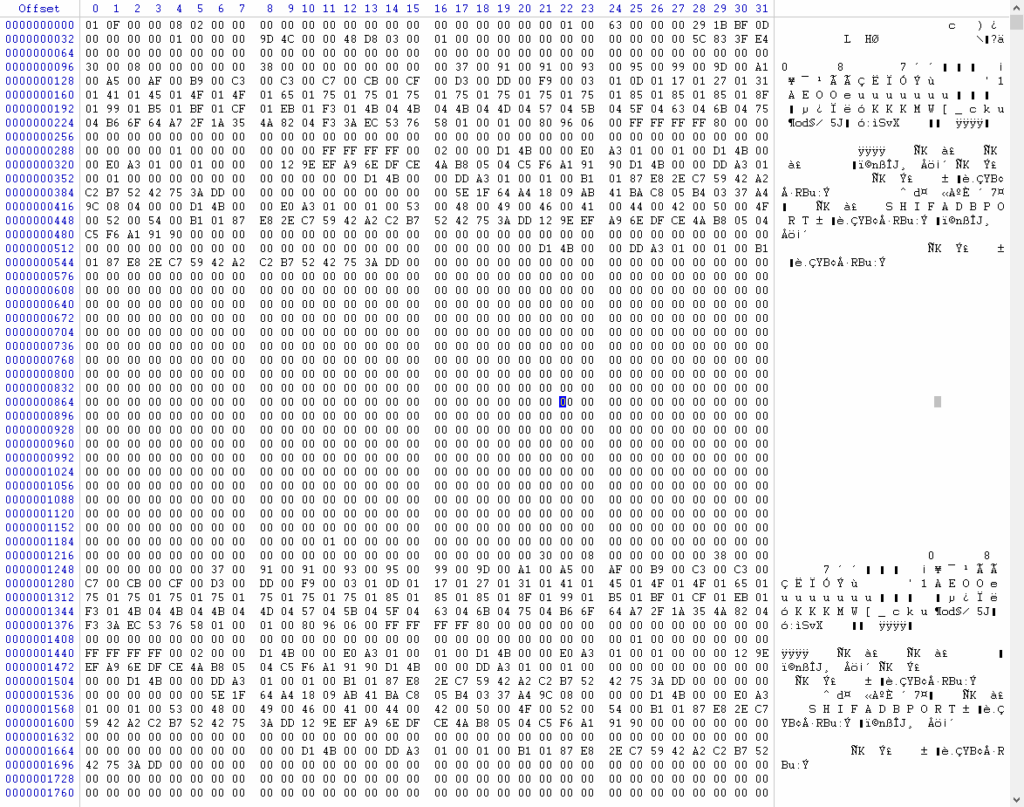
  • Table files (base/OID/filenode): These are the raw files containing the rows (tuples) of your tables. Even if the file system is corrupted, our tools analyze these files block by block (8 KB pages) to extract both textual and numerical data.
  • System catalog (global/ and base/OID/): Files such as pg_class, pg_attribute, or pg_type. They contain the database structure (schema). Their recovery is critical to determine which table each raw file belongs to.
  • TOAST files (pg_toast/): PostgreSQL uses the TOAST (Oversized-Attribute Storage Technique) mechanism to store large data (long text, binary files, images). Recovering these associated files is essential to avoid incomplete or corrupted table rows.

Transaction and logging files

These files make it possible to reconstruct the history of changes and ensure database consistency (ACID properties).

  • WAL logs (pg_wal/ or pg_xlog/): Write-Ahead Logging files. In the event of a sudden shutdown (power failure, system crash), analyzing these files allows the replay of the latest transactions that had not yet been written to the main data files.
  • Transaction status files (pg_xact/ or pg_clog/): These files store the commit status of each transaction. They indicate whether stored data should be visible or ignored because the transaction failed.

Configuration files and schemas

Although they do not contain user data, these files greatly facilitate server recovery after a disaster.

  • postgresql.conf: Main server parameters (memory, extensions, encoding).
  • pg_hba.conf: Access and security configuration file.
  • Dump scripts (.sql, .bak, .dump): If you have corrupted or partially written logical backups (interrupted mid-process), we can repair the file to extract the valid portion.

Support for containers and host systems

Data loss in PostgreSQL environments is often linked to failures of the underlying storage system. Recovery therefore includes:

  • Virtual disk files: .vmdk (VMware), .vhdx (Hyper-V), container images for Docker, or Kubernetes volumes.
  • File systems (OS level): Whether on a Linux server (Ext4, XFS, Btrfs, ZFS) or Windows Server (NTFS, ReFS).

📌 Expert note: In the event of accidental deletion via a DROP DATABASE or DELETE command, the files are marked as free by the system, but the data may still physically remain on the disk. The sooner the server is shut down, the higher the chances of successfully reconstructing these files.

Our Crash SQL offer

Need emergency recovery?

We act quickly with a transparent, fixed-price offer.

Budget: Starting from €600


Take advantage of our free diagnostic offer during business hours until December 15, 2026!

Factors that affect the final cost

  • Urgency: We offer 3 levels of responsiveness. If you require an expert on a Sunday evening, expect a surcharge of 50% to 100% of the standard rate.
  • Encryption and compression: Depending on enabled encryption settings or compression mechanisms, complexity may vary significantly.
  • Data volume and sensitivity: Repairing a table of 10,000 rows does not involve the same responsibility (or processing time) as working on a 2 TB database containing encrypted banking or medical data.

💡 Time-saving tip: Before contacting us, prepare the environment. Provide the exact error logs, the schema, the precise SQL version used, and ensure you have (if possible) a backup copy of the current state, even if corrupted. Look for any older backup or previous working database version (it may help us). Prepare a clear explanation of what happened to the database and describe where it is stored.

The less time the expert spends identifying the issue, the lower the final cost.

How do we restore corrupted SQL databases?

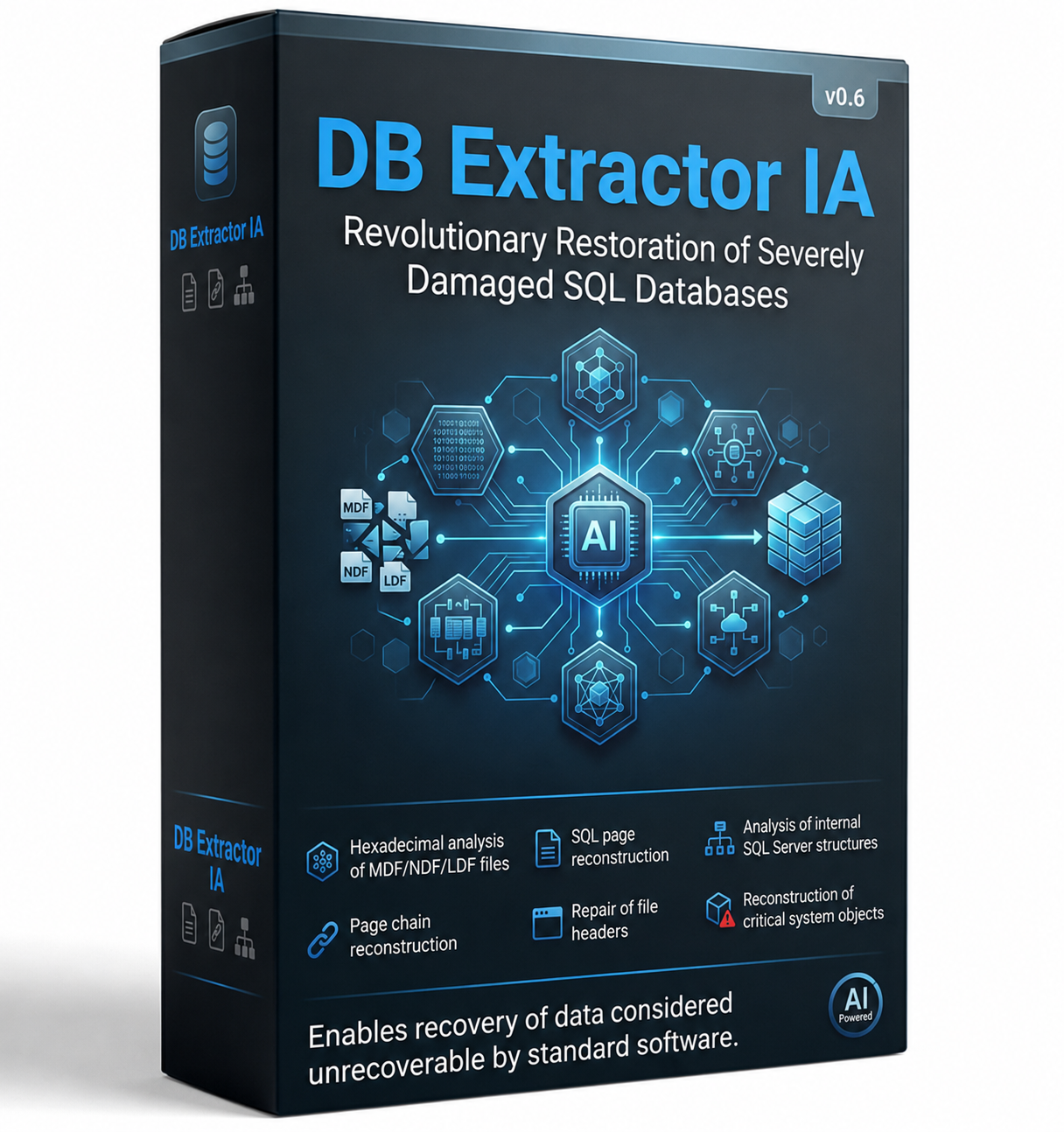
Discover DB Extractor AI v0.6 innovation

Powered by the latest advances in generative AI, our proprietary tool orchestrates an intelligent agent dedicated to complex data extraction. A revolutionary approach to restoring SQL databases, even when severely damaged.

It enables:

  • Hexadecimal analysis of files
  • Reconstruction of PostgreSQL pages
  • Analysis of internal PostgreSQL structures
  • Reconstruction of page chains
  • Repair of file headers
  • Reconstruction of critical system objects

This approach can sometimes recover data considered irretrievable by conventional software tools.

A demonstration version is available upon request.

Main causes of PostgreSQL corruption

Our specialists handle all types of PostgreSQL corruption, whether caused by:

  • Hardware failure: (RAID, SAN, NAS, SSD, physical server) — Disk read errors, RAID controller failure, or overheating.
  • Power outage: Sudden server shutdown while a transaction was being written.
  • Bugs: Virtual machine or hypervisor corruption, faulty or unusable backups.
  • Drivers or OS issues: Operating system crash causing file system corruption (NTFS/ReFS), software update issues, antivirus locking files with associated extensions.
  • Failure of backup or restore operations.
  • Human error: Accidental deletion of databases, tables, or data files.
  • Malicious activity: Database encryption by ransomware, or intentional deletion.
  • Corrupted or missing files: Corruption flagged as “Suspect” or “Recovery Pending”.
  • Failed recovery attempts: Vendor support unable to resolve the issue even after Level 3 escalation, or poor/failed results from commercial recovery tools.

First actions: What to do (and NOT to do)

GOLDEN RULE:

Do not attempt any recovery actions without first creating a backup copy.

TO DO:

Immediately make a physical copy (OS-level) of the entire current data directory (PGDATA). To do this, ensure PostgreSQL is properly stopped or cold-stopped in order to freeze the files.

Check the status and integrity of your most recent backups ( .sql files from pg_dump / pg_dumpall or physical backups from pg_basebackup ).

NOT TO DO:

Do not use the pg_resetwal (or pg_resetxlog) command lightly. While it may sometimes force the server to restart by resetting the write-ahead logs, it can introduce major logical inconsistencies and permanently damage data integrity.

Never manually delete files inside PGDATA subdirectories (such as global/ or base/) in an attempt to bypass a blockage.

Success story

⭐⭐⭐⭐⭐

Why can Recoveo help you?

Experience

With more than 5,000 data recovery cases per year, we have refined our cutting-edge tools and processes to overcome the most complex database failures.

PostgreSQL Specialist

We develop our own in-house tools specifically designed for analyzing and reconstructing PostgreSQL data pages, independently of the vendor’s engine.

Fast

Our algorithms are optimized to extract valid tuples (rows) at maximum speed, drastically reducing downtime for your business.

Free evaluation

We demonstrate our expertise through a free analysis of a sample or your corrupted files. Simply send them to us in complete confidentiality.

FAQ

Everything you need to know about PostgreSQL database recovery services

Golden rule: Do not panic and create a cold physical backup of your entire PGDATA directory. If a repair attempt fails, you must be able to revert to the original state. Then, analyze the application logs to identify the affected tables.

PostgreSQL does not provide a “magic” REPAIR command that can fix a database in a single operation. However, it offers several equivalent mechanisms depending on the type of issue. Our engineers at Recoveo use advanced commands and techniques to help rebuild corrupted databases.

Diagnosis is mainly performed through log analysis or using tools such as pg_checksums (if enabled). To identify corrupted rows without blocking the server, specific queries are sometimes used with parameters that ignore block errors (such as SET ignore_checksum_failure = on;).

If the server is blocked by a transaction crash and displays a FATAL error related to WAL files, the pg_resetwal tool is sometimes suggested. Warning: This tool discards unflushed transactions and can severely corrupt the logical consistency of your tables. It is strongly recommended to entrust this step to a specialist in order to safely extract raw data.

If you do not have a recent backup, if the server refuses to start, or if a maintenance utility returns critical errors (such as a crash loop), professional intervention becomes essential. Generic extraction scripts or tools available online often have a limited approach.

At Recoveo, our tools directly analyze the binary structure of data files (so-called “page” files) to extract raw data. This enables us to recover between 30% and 50% more data compared to standard methods.

Although this approach may seem tempting, it carries significant risks. A DROP DATABASE physically removes the database files from the disk. To have any chance of recovery, the storage must be immediately cloned at block level. In our experience, rushing or writing new files to the system quickly destroys the chances of successful recovery.

To maximize the chances of successful recovery, strictly follow these instructions:

  • Immediately shut down the server or virtual machine hosting the database. This prevents overwriting of freed space caused by system activity or automatic SSD mechanisms (TRIM/UNMAP).
  • Contact Recoveo experts to obtain a free evaluation.
  • Do not perform any write operations directly on the affected system.
Yes. Our teams specialize in rebuilding failed RAID volumes (RAID 5, RAID 6, etc.) and extracting files from corrupted virtual machines (VMware vSphere, Hyper-V, Proxmox), allowing access to the PostgreSQL data directory.

Not at all. If your storage device (disk, server) does not have a physical failure (clicking noises, not detected), we can perform PostgreSQL analysis and recovery remotely via secure channels.

In the event of physical damage, we will arrange the transport of your drives to our cleanroom laboratory.

Blog resources

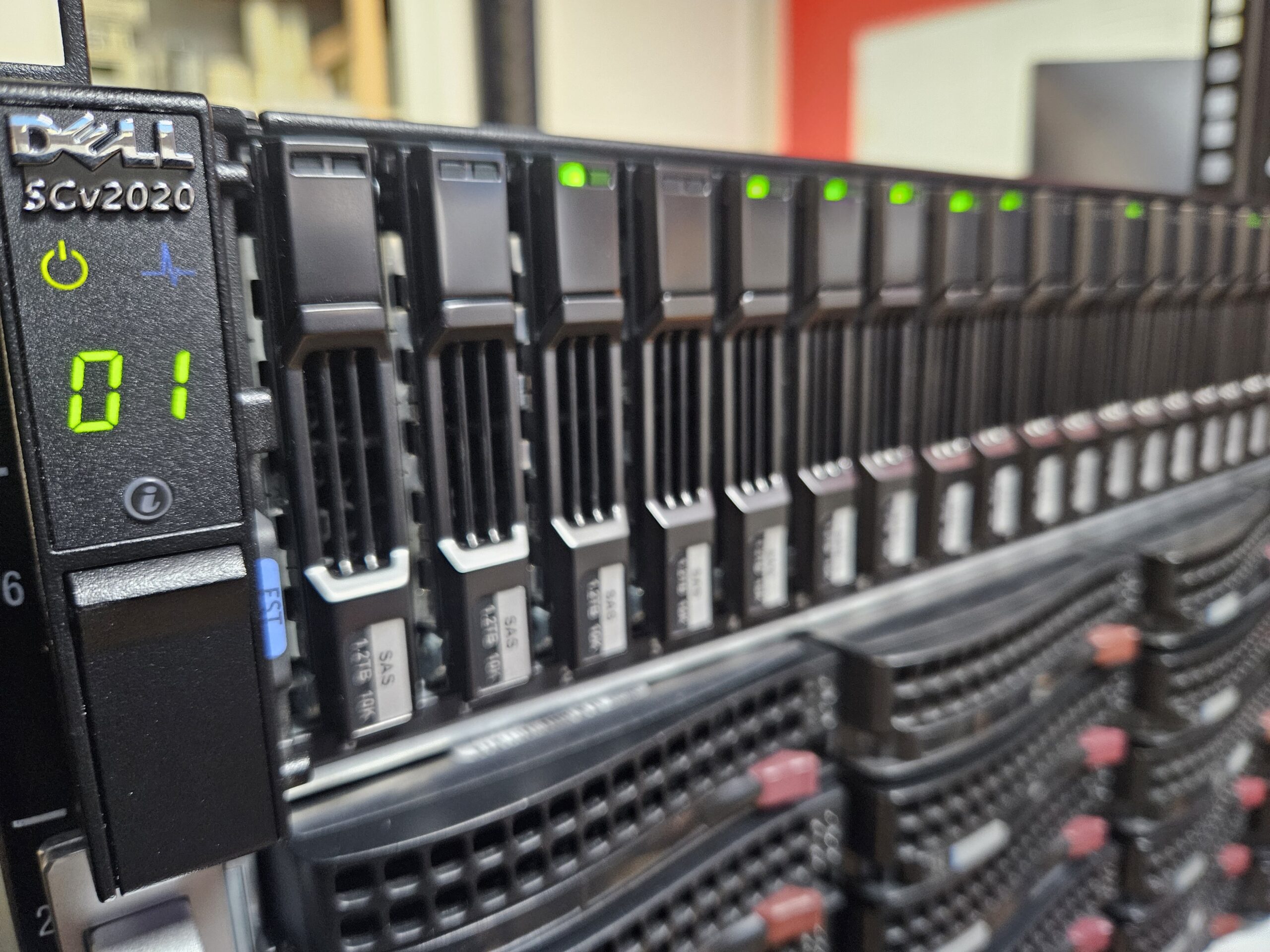
dell compellent SCv2020

Sauvetage d’une entreprise allemande et son serveur SAN

Nous avons été mandatés par le responsable informatique d’une entreprise d’ingénierie allemande pour récupérer ses données suite à une attaque par ransomware AKIRA majeure ayant paralysé sa production. 📋 Fiche Technique de l’Intervention Contexte et périmètre de l’intervention Si le scénario initial laissait envisager une restauration standard (les machines virtuelles de production chiffrées et les sauvegardes Veeam associées étant théoriquement disponibles), la réalité terrain a rapidement révélé un niveau de complexité bien supérieur : La

More details

Cellule d'urgence ransomware

Ligne direct 24/7

Contactez dès à présent nos experts pour vous accompagner et accélérer votre reprise d’activité.

Whatsapp